November 12th, 2025
Release Oktober 2025
✨ New Landing Page
With this release, amber introduces a new home page that allows you to access amberSearch and amberAI mode more quickly. You can switch between the two functions by clicking on the appropriate tab. We also show you an overview of your recently used agents and documents so that you can reach your goal faster.
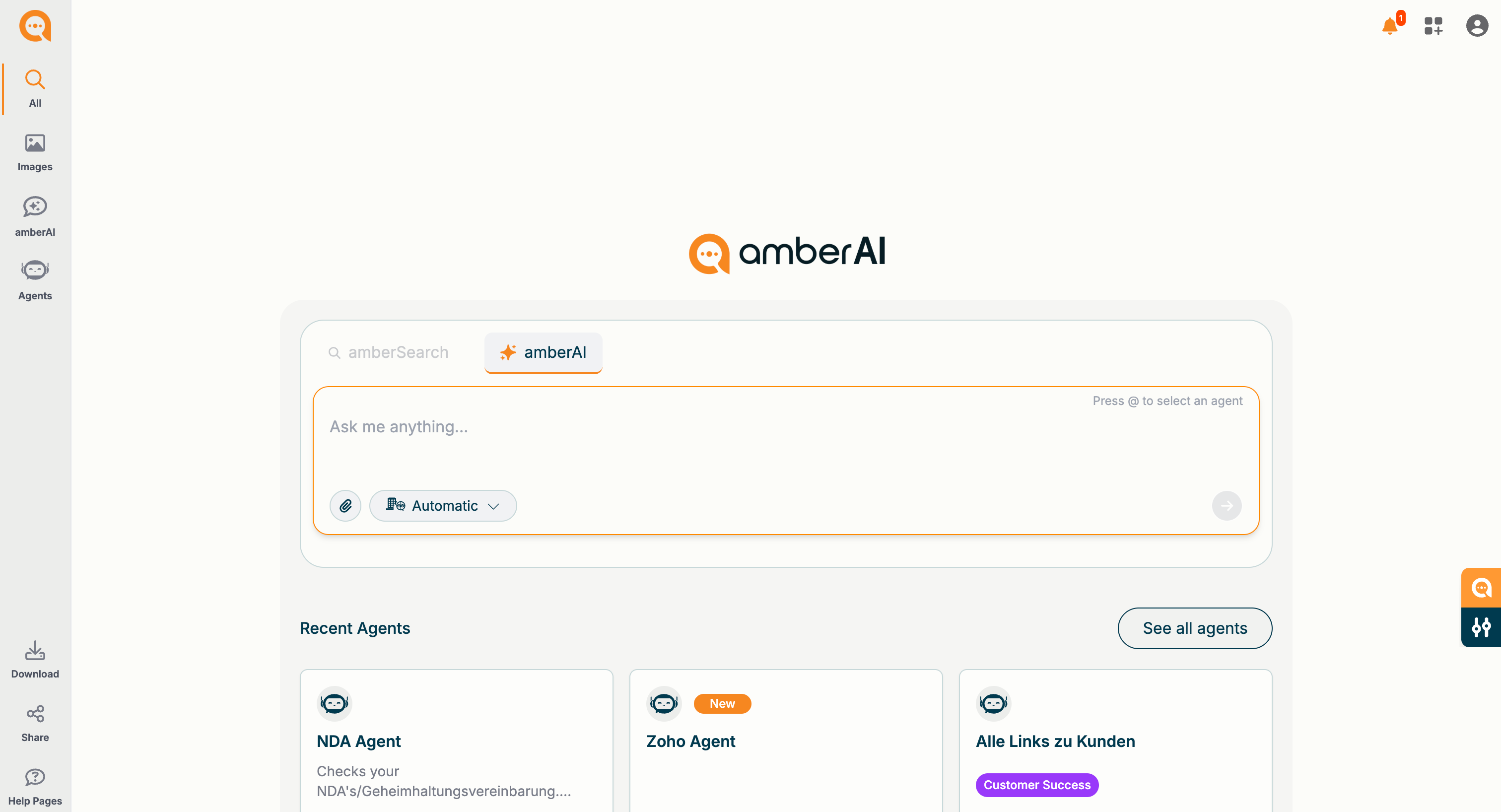
🤖 “Automatic” Mode in amberAI Chat
In amberAI Chat, in addition to the “Company Knowledge” and “AI Dialogue” modes, we now introduce the “Automatic” mode. This mode is useful for both AI beginners and experienced users to save time. Depending on your prompt, the “Automatic” mode selects the most suitable AI model for the task and searches both company knowledge and the web.
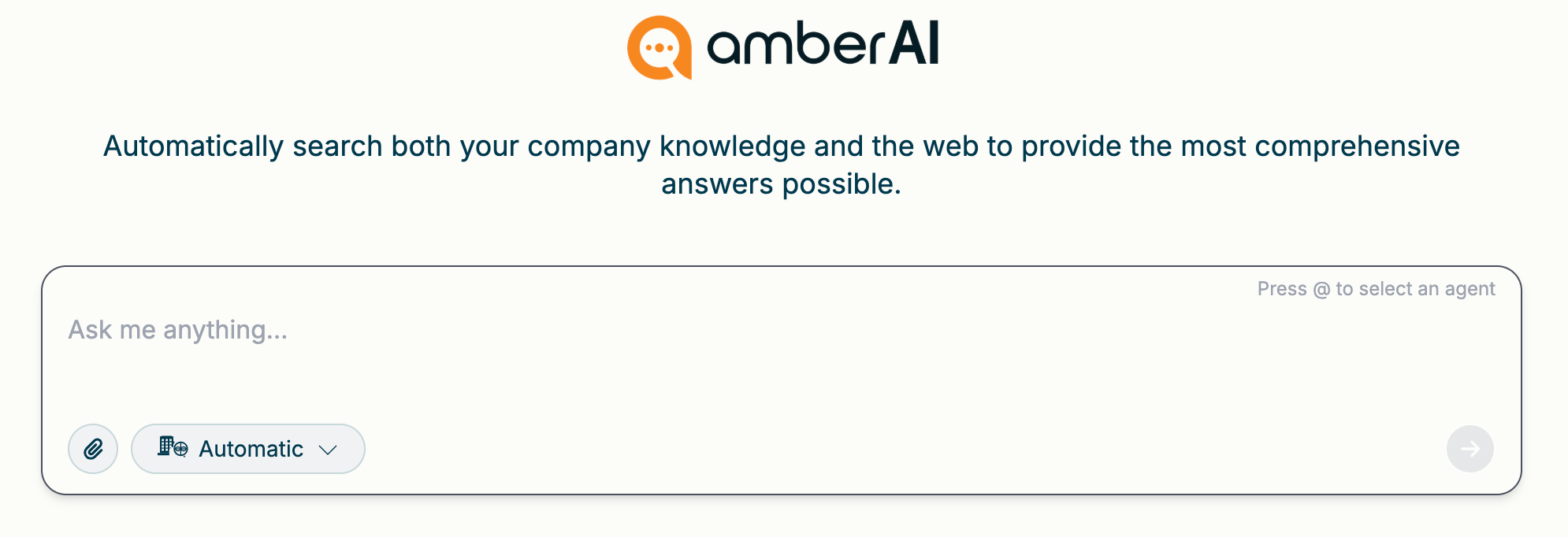
Example:
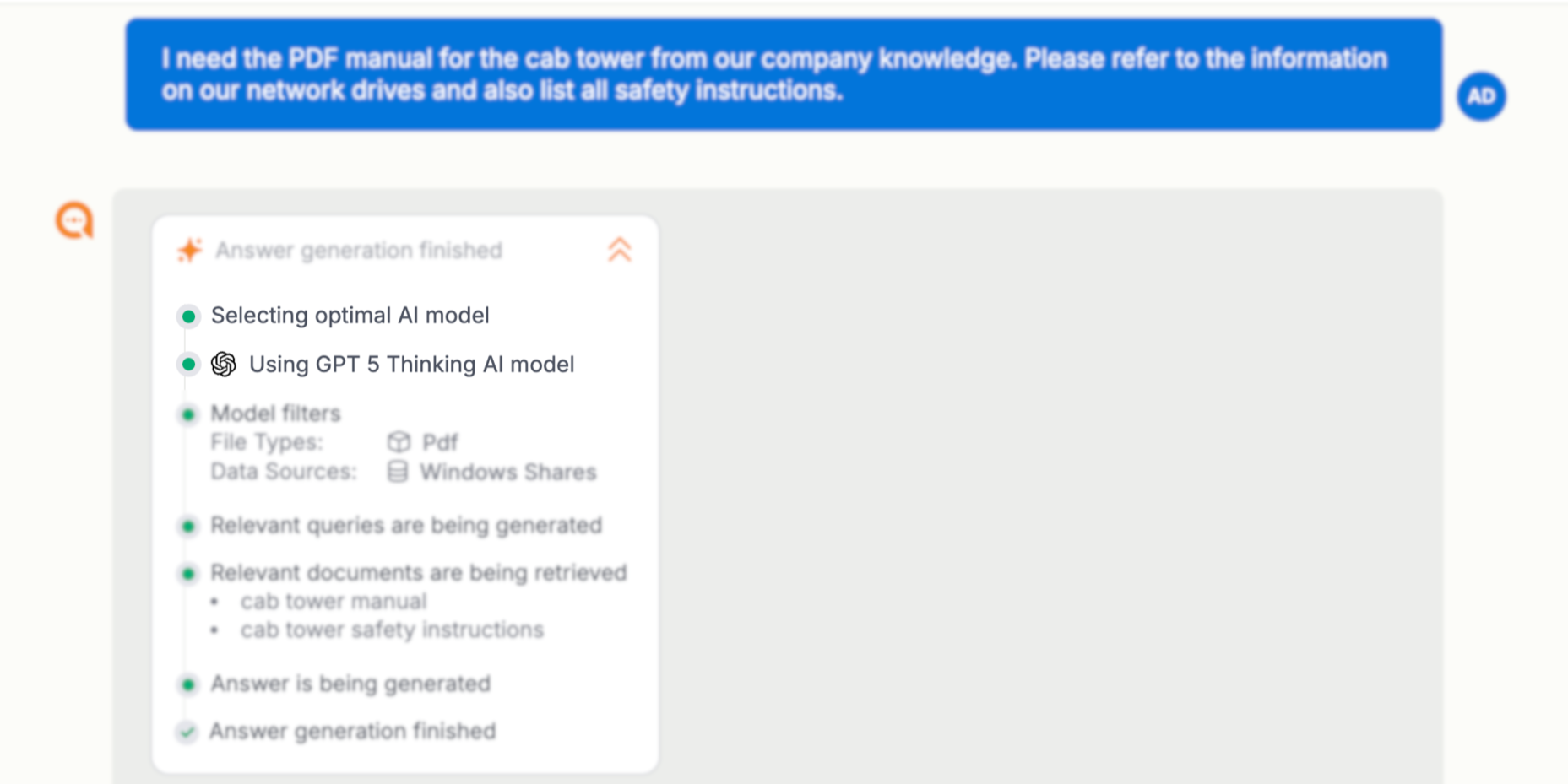
The system checks the prompt context and automatically selects the most suitable AI model for the task - in this case, OpenAI's “GPT 5 Thinking” model is used. The selection is visible and traceable for users.
🔍 Filter detection in amberAI chats
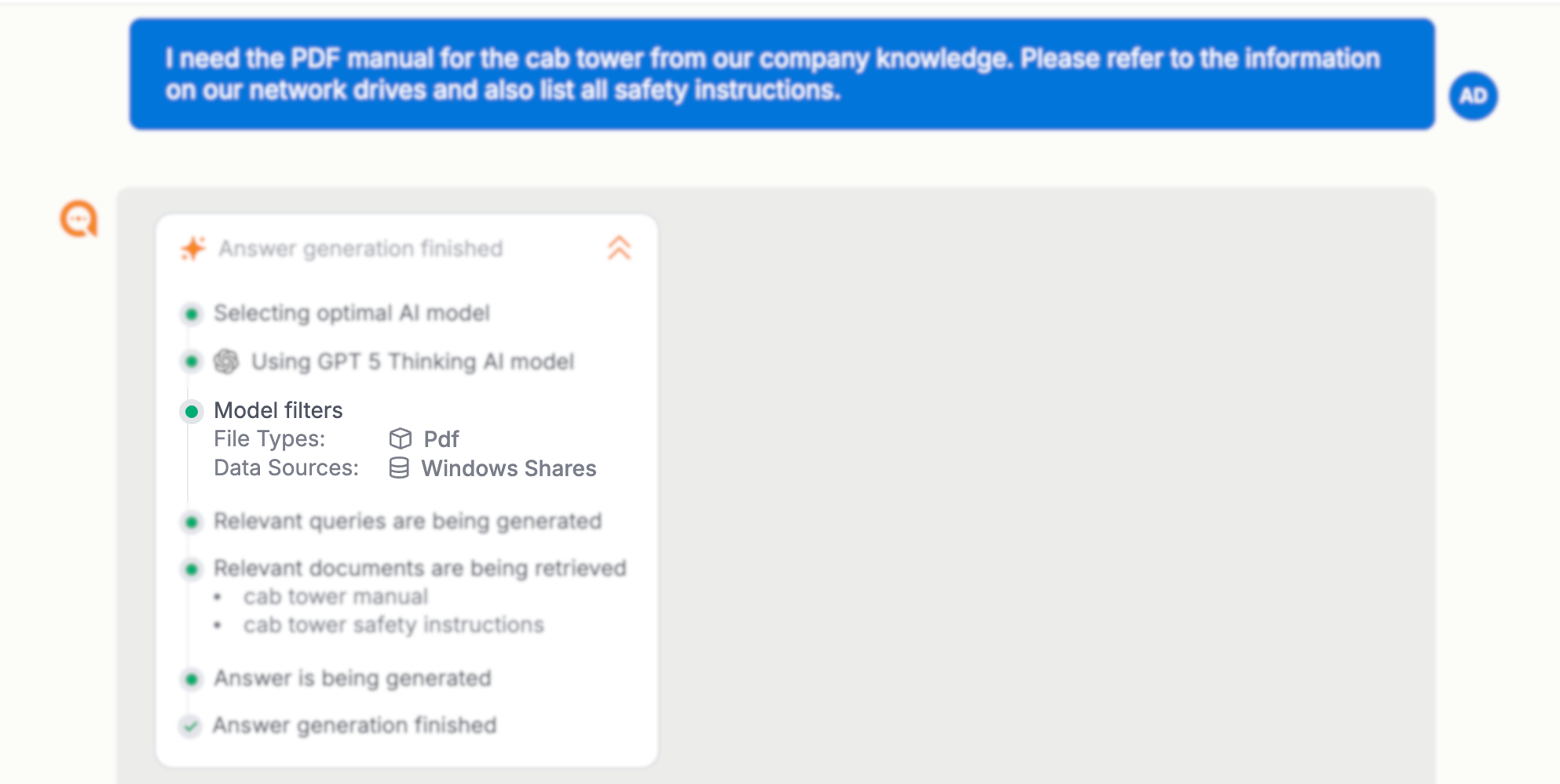
amberAI now recognizes in chats whether you are requesting a specific data type or specific data sources. Filters are automatically defined in order to respond to your requests accurately.
In the example, amberAI filters by the data type .pdf and searches specifically in the network drives.
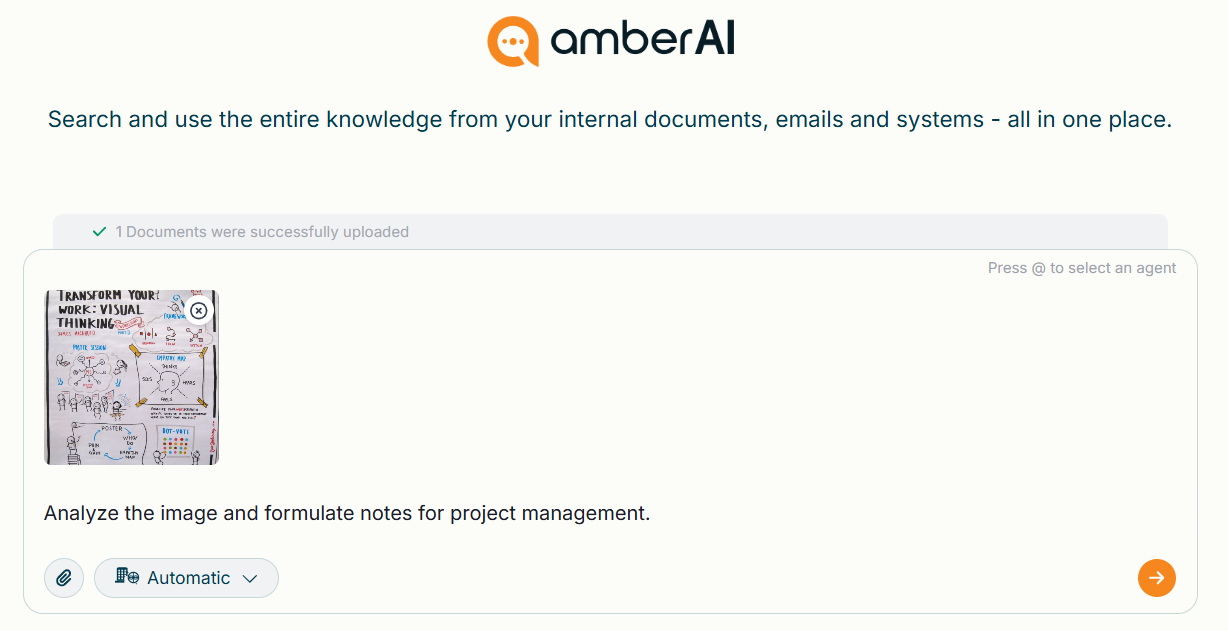
🖼️ Upload images in amberAI Chat
In amberAI chats, you can now easily upload images using drag-and-drop or by clicking a button. amberAI recognizes the image content, understands the context, and analyzes text elements to provide you with accurate answers.
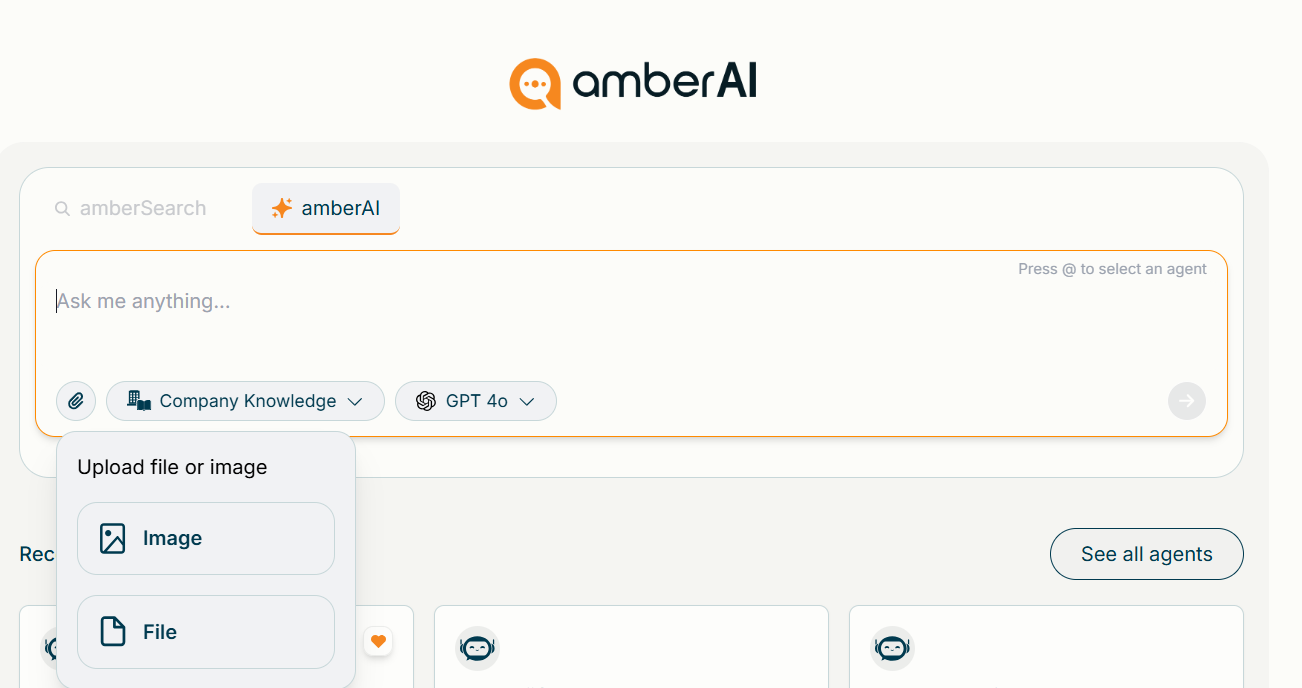
Example:
🎨 Generate images in amberAI Chat
In amberAI chats, you can now generate images directly to instantly visualize ideas or concepts. For example, ask for different motifs, a simple, modern design, or an imaginative, illustrative style.
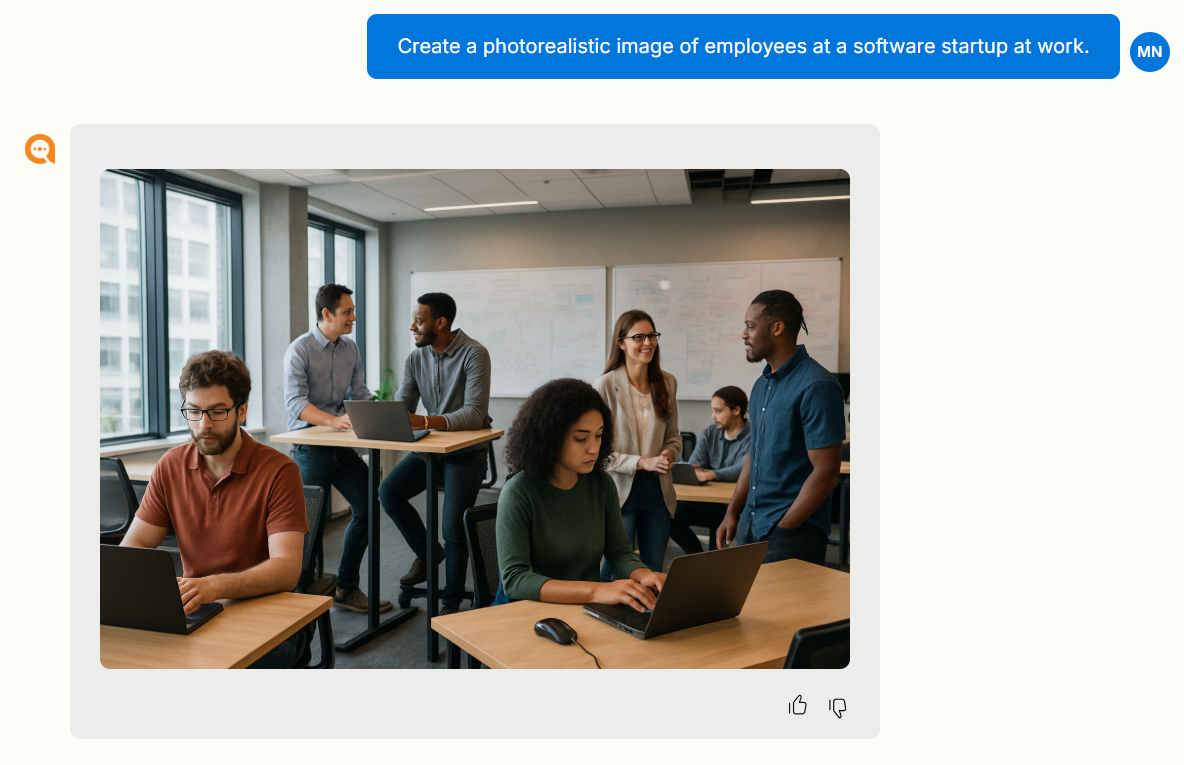
Note: Image generation is only available if your administrator has enabled Azure OpenAI models.
Enjoy the new update!
Your amber team